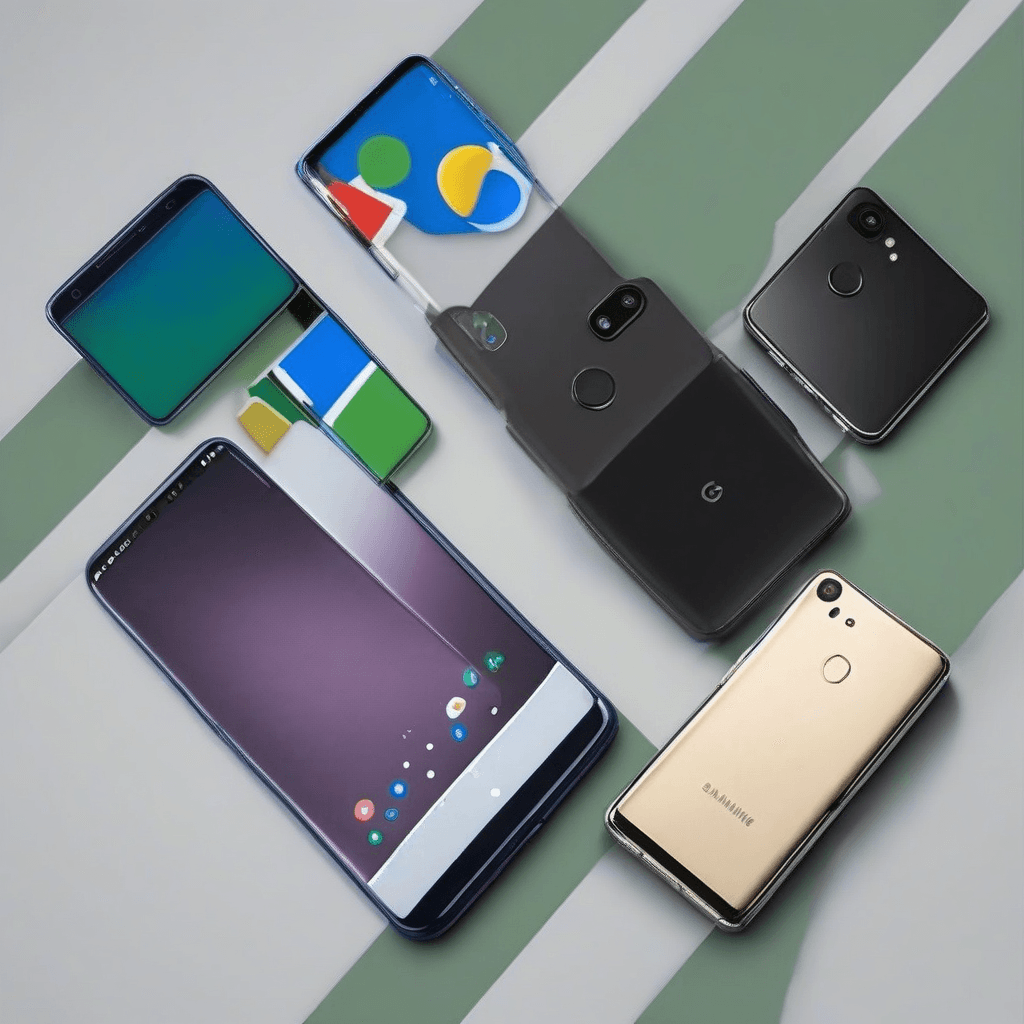
The premium Android market has narrowed down to a clear head-to-head matchup. If you’re shopping for a flagship in 2026, your decision usually comes down to the latest Samsung Galaxy models versus the newest Google Pixel lineup. Both ecosystems deliver top-tier hardware, but they solve different problems.
Samsung leans into raw performance, display versatility, and a mature accessory ecosystem. Google doubles down on computational photography, streamlined software, and on-device machine learning. Picking the right device depends entirely on how you plan to use it day-to-day.
Software Experience: One UI vs. Pixel UI
Your daily interaction with the phone hinges on the interface layer. Both run stock Android under the hood, but the skins diverge sharply in design philosophy.
Samsung One UI: Built for Control
One UI treats your phone like a command center. You get granular control over layouts, icon packs, system fonts, and notification behavior. Multitasking tools like Edge Panels, pop-up windows, and Samsung DeX let you bridge mobile and desktop workflows seamlessly. Power users appreciate the depth, though it requires a few minutes of initial setup.
Pixel UI: Streamlined and Context-Aware
Google strips away the clutter. Pixel UI prioritizes fluid animations, consistent typography, and zero bloatware. Instead of drowning you in settings menus, it pushes proactive features. Now Playing auto-detects background music on the lock screen. Call Assist handles spam screening, hold times, and automated IVR menus without lifting a finger.
Pro Tip: Managing Pre-installed Apps
Samsung ships with its own suite of internet, messaging, and calendar apps alongside Google’s versions. Unify your experience by disabling duplicates in Settings during the initial setup wizard.
Camera Systems: Computational Magic vs. Raw Optics
Image processing defines the photographic identity of each brand. Neither approach is objectively superior; they just serve different shooting styles.
Samsung Galaxy: Vibrant Processing and Extreme Zoom
Galaxy cameras push saturation and sharpness straight out of the shutter. Landscapes pop, skies deepen, and details remain crisp across focal lengths. Flagship Ultra models lead the pack with dedicated telephoto lenses, delivering optical clarity at 5x and 10x, plus digital crops up to 100x. Concerts, wildlife, and distant architecture are handled effortlessly.
Google Pixel: Realistic Tones and AI Editing
Pixel relies on heavy computational photography to nail exposure and color accuracy. Real Tone technology keeps skin tones consistent across lighting conditions. Action Mode stabilizes moving subjects, while AI tools like Best Take and Magic Eraser fix group shots and remove distractions instantly. The resulting images lean toward natural contrast rather than oversaturated vibrancy.
Warning: Generative AI Overreach
Newer Pixel models include Reimagine and Add Me, which use generative AI to insert or alter photo elements. These features work well for casual edits but can push images past the line into digital manipulation. Turn them off in Camera settings if you prefer unaltered captures.
Hardware Quality, Performance, and Chipsets
Processor choices dictate how each phone handles sustained workloads.
Qualcomm Snapdragon vs. Google Tensor
Samsung pairs its flagships with Qualcomm’s latest Snapdragon chips. These processors prioritize raw CPU/GPU throughput, thermal efficiency, and ray-tracing capabilities. Mobile gamers and video editors will notice the difference immediately.
Google sticks with custom Tensor silicon. Benchmark scores take a backseat to neural processing units optimized for on-device AI, real-time translation, and voice recognition. Everyday tasks feel instant, but extended gaming sessions can trigger thermal throttling and faster battery drain compared to Snapdragon rivals.
Direct Comparison: Samsung Galaxy vs Google Pixel
Use this breakdown to weigh core attributes side-by-side:
| Feature | Samsung Galaxy Series | Google Pixel Series |
|---|---|---|
| Interface | One UI (deep customization, multitasking) | Pixel UI (minimalist, proactive AI) |
| AI Integration | Galaxy AI (live translation, note summarization) | Gemini/Pixel AI (call handling, photo generation) |
| Processor | Snapdragon (peak performance, gaming) | Tensor (ML acceleration, smart assistance) |
| Photography | High saturation, multi-lens zoom range | Natural contrast, computational editing |
| Charging | 25W–45W wired | 21W–30W wired |
| Ecosystem | Galaxy Buds, Watch, Tablets, SmartThings | Pixel Buds, Watch, Tablet, Google Home |
| Update Policy | 7 years OS & security patches | 7 years OS & security patches |
How to Pick Your Next Android Phone
Match your habits to the right platform using this quick checklist:
- Check your workload. Heavy gaming, emulation, or 4K video editing demands a Snapdragon-powered Galaxy. Casual browsing, streaming, and social media run equally smooth on either device.
- Define your camera style. Need reach for sports or concerts? Grab an Ultra model with periscope zoom. Want reliable snapshots of kids, pets, or low-light scenes without tweaking settings? Pixel’s point-and-shoot workflow wins.
- Map your existing gear. Already invested in Samsung wearables or SmartThings hubs? The cross-device handoff is seamless. Rely on ChromeOS, Google Workspace, or Google Assistant for daily tasks? Staying within the Pixel ecosystem reduces friction.
- Decide on setup time. Prefer a phone that works flawlessly out of the box? Go Pixel. Enjoy tweaking gestures, launchers, and system themes until they match your exact workflow? One UI delivers the sandbox you want.
Final Recommendation
Neither platform dominates outright. Samsung Galaxy remains the go-to for productivity, gaming, and users who want maximum hardware flexibility. Google Pixel suits those who prioritize software polish, intelligent automation, and consistently excellent point-and-shoot photography. Align your choice with your actual usage patterns, and both devices will handle the job efficiently.