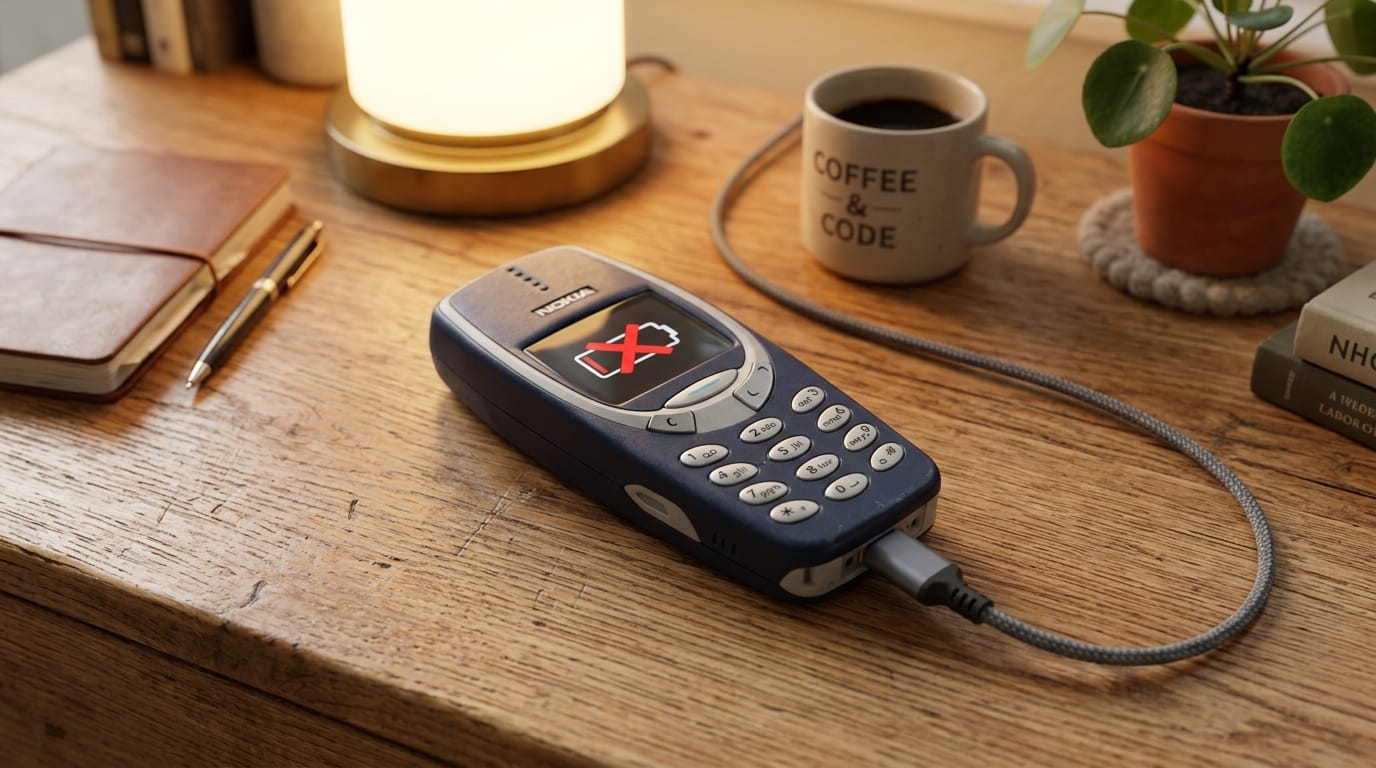
A nokia phone won’t charge for reasons that rarely involve a completely dead battery. More often, it’s a blocked port, a software hang, or a worn-out cable. Run through these steps to restore power quickly.
1. Force Restart While Plugged In
Software freezes can halt the charging circuit entirely. The screen stays black even when power is flowing. Plug your device into a working wall charger. Wait five minutes. Press and hold the Volume Up and Power buttons together for 15 seconds. Release when you feel a vibration or see the Nokia logo. This clears temporary system loops blocking the power management chip.
2. Clear Debris From the Charging Port
Pocket lint packs tightly into USB-C and Micro-USB openings. Compressed dust breaks the metal contact needed for current flow. Turn the phone off before cleaning. Follow these steps:
- Use a wooden toothpick or plastic spudger. Avoid metal tools that short the pins.
- Gently scrape along the bottom edge of the port to lift packed fibers.
- Blow compressed air into the opening to remove loose particles.
Plug the cable back in. You should feel a firm click when fully seated.
3. Swap the Cable and Wall Adapter
Budget charging cables develop internal fractures near the connector. A broken wire stops power delivery long before the outer jacket shows wear. Older adapters also struggle to push enough amps into a drained cell. Test with a known-good braided cable and a 10W or higher wall block. Skip computer USB ports for initial charging; they supply limited current that often fails to wake a depleted battery.
4. Handle a Deeply Discharged Battery
Lithium cells drop below safe voltage thresholds when left unused for weeks. The protection circuit locks the battery until it reaches a minimum baseline. Connect to a stable wall charger and leave it alone for 45 to 60 minutes. Do not try to force a quick charge immediately. The display usually wakes once the voltage stabilizes.
5. Check for Loose or Damaged Hardware
If the cable wobbles, requires a specific angle to maintain connection, or feels loose inside the housing, the internal USB board has likely failed. Repeated insertion stress cracks solder joints on budget models. Software fixes won’t resolve physical damage. Take the device to a certified repair shop for a port replacement.
Nokia Charging Troubleshooting Summary
| Possible Cause | Quick Solution | Success Rate |
|---|---|---|
| Software Freeze | Force restart (Volume Up + Power) while plugged in | High |
| Lint in Charging Port | Clean port gently with a wooden toothpick | Very High |
| Damaged Cable/Adapter | Swap cable and use a wall outlet | High |
| Deep Discharge | Leave plugged in for 60 minutes | Medium |
| Broken USB Port | Professional hardware replacement | Hardware Repair Required |
For official maintenance guidelines, visit the Nokia Official Support Page.